Create your month plan
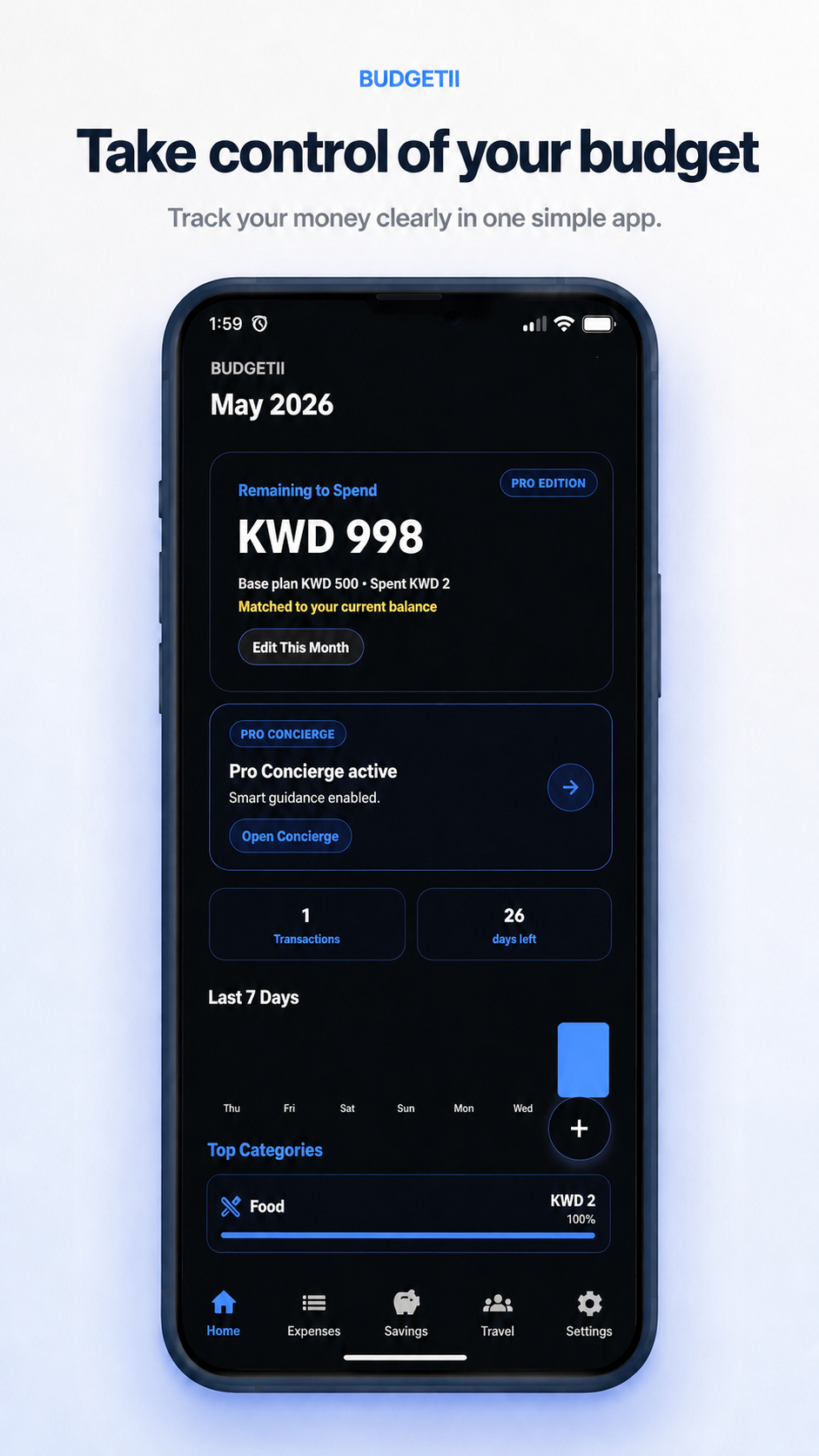
Open Home, enter your budget or available balance, and keep the month view updated as spending changes.
- Open the Home tab.
- Review the current month.
- Use Edit This Month to update your plan.
 BUDGETII
Budgetii tutorials
These quick guides show how to set up your budget, track spending, manage bills, follow savings goals, check credit card use, and use travel groups with confidence.
Start here
Begin with the basics so Budgetii can show your remaining money clearly throughout the month.
Open Home, enter your budget or available balance, and keep the month view updated as spending changes.
Log spending while it is fresh, choose the right category, and let Budgetii update your remaining money.
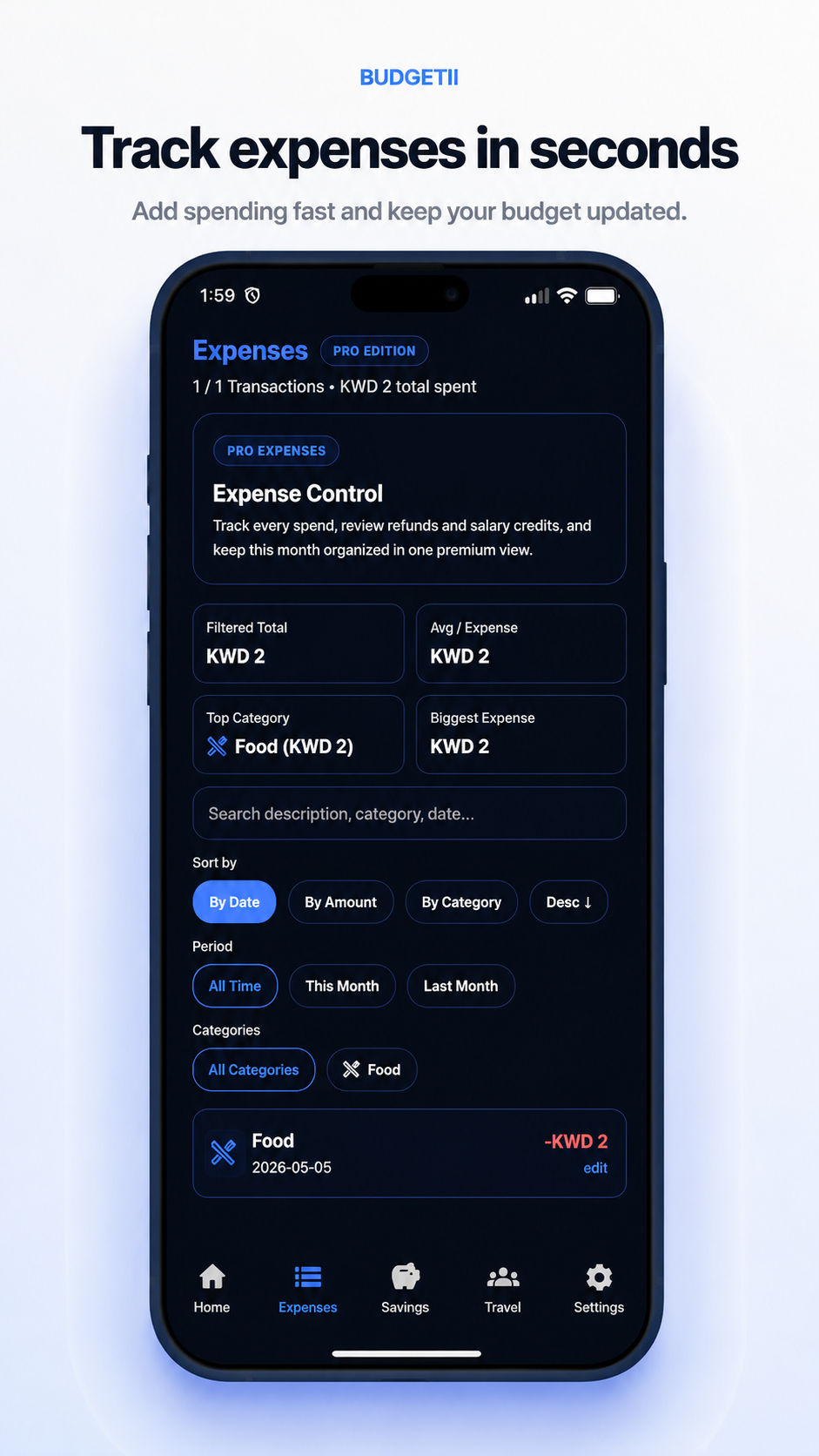
Use the Expenses tab to search, filter, and understand where money went during the month.
Daily use
Budgetii is designed for quick check-ins. You can see what remains, what changed, and which areas need attention without opening a spreadsheet.
Credit card use
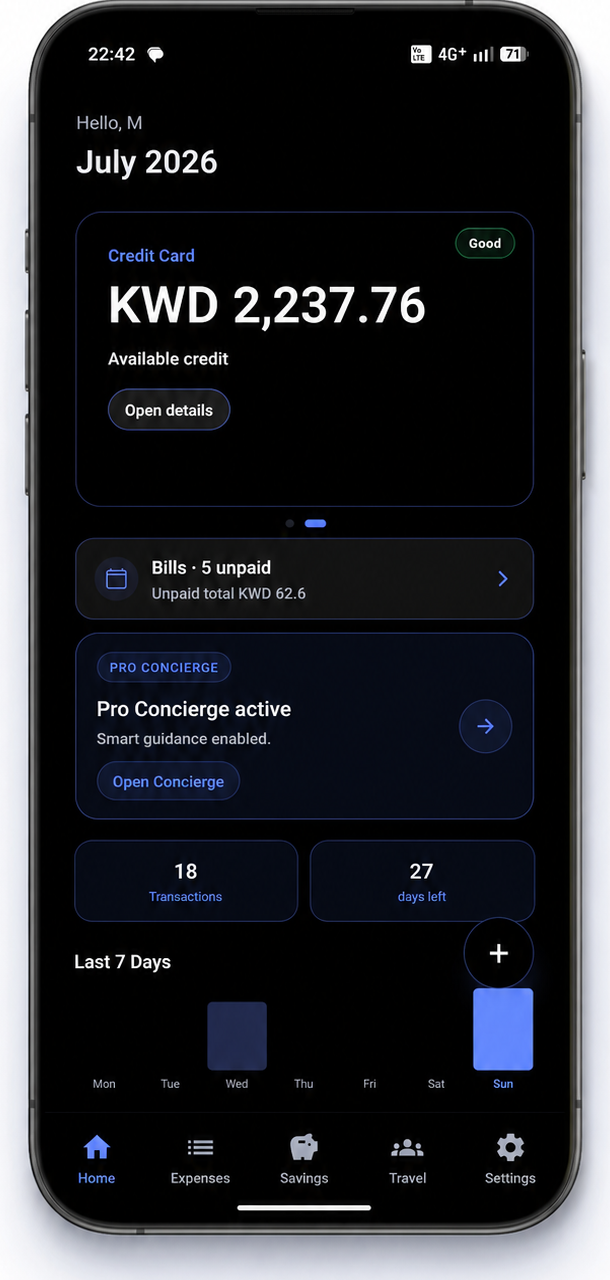
Budgetii can show your credit card view on Home, so you can review available credit, unpaid bills, and next spending decisions in one place.
Planning tools
Create a target, add money over time, and watch your progress become easier to follow.
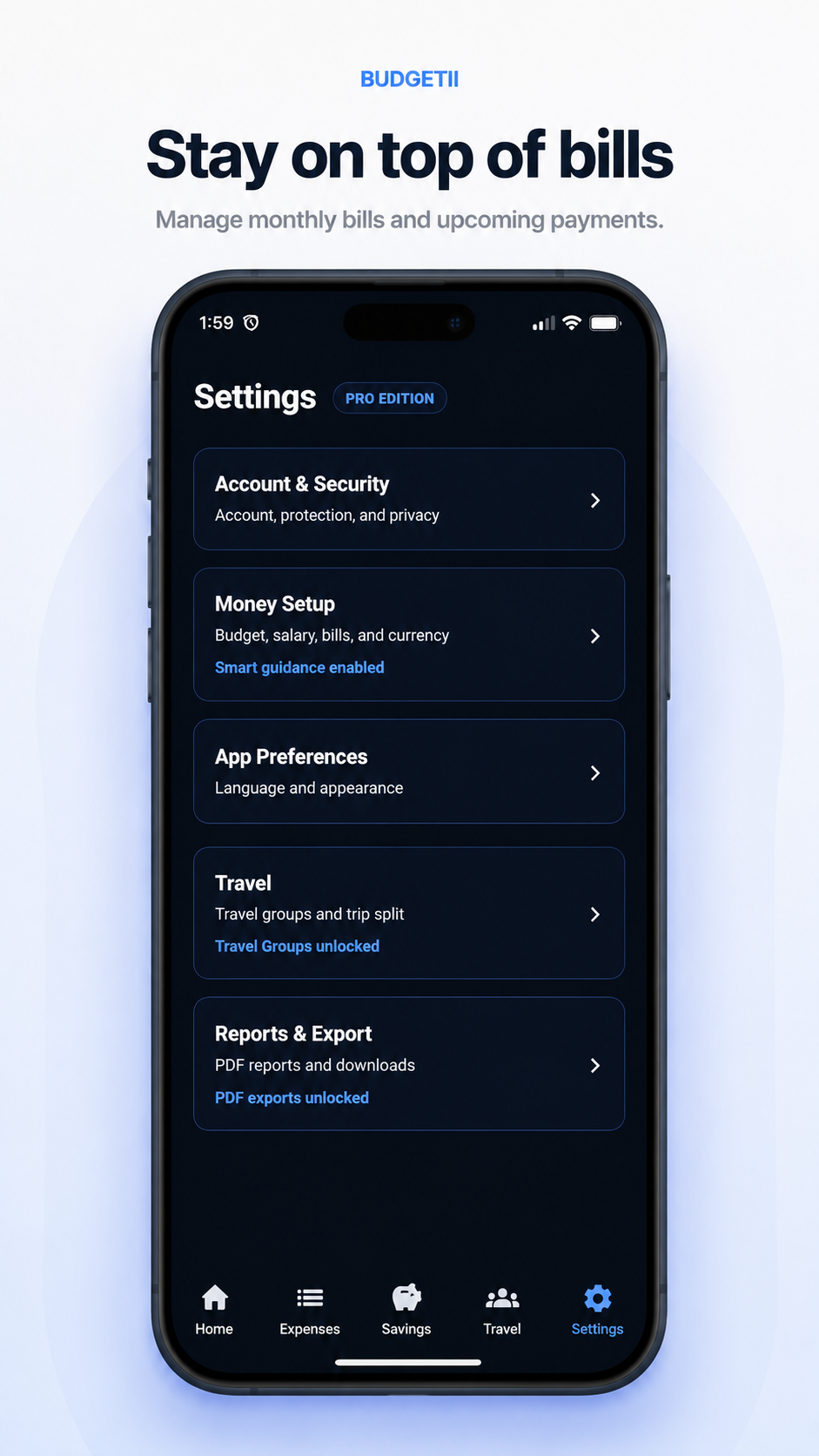
Keep recurring payments in view so your available money reflects what is coming next.
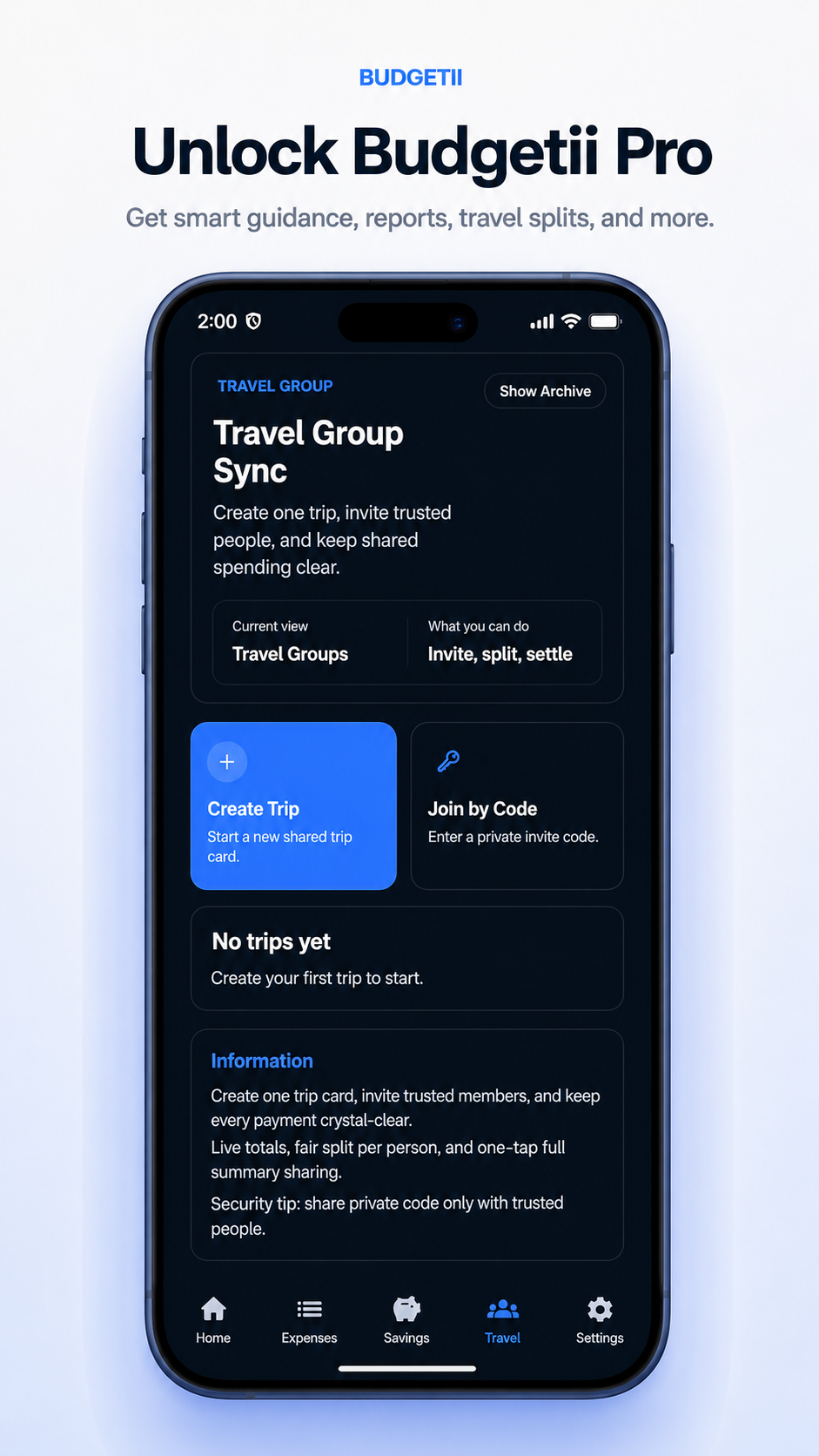
Create a travel group, invite trusted people with a code, and track shared costs in one place.
Pro guide
Budgetii Pro adds guided support for monthly planning, bills, reports, travel groups, currency conversion, and smarter budget insights.
Need help?
These tutorials are written for the current Budgetii website. Budgetii is available on Google Play now, and the App Store link will be added when it is ready.
Ready
Budgetii keeps your expenses, bills, savings, and travel spending organized in one simple app.